Torus ASCII Field Map Example
This field example displays a phi-segmented ASCII field map loaded through the asciimap field
plugin. It uses a transparent torus-shaped volume to make the field region easy to recognize.
Quickstart
Copy the example to your current directory, build the geometry database, and open the field display:
cp -r $GEMC_HOME/examples/fields/torus .
cd torus
./torus.py
gemc torus.yaml -gui
Geometry
The geometry is defined in torus.py. The world volume root contains one transparent torus,
torus_field_volume, with its mfield property set to torus.
Field Definition
The YAML file loads torus_map.txt as a phi-segmented ASCII map:
gfields:
  - name: torus
    type: asciimap
    symmetry: phi-segmented
    map: torus_map.txt
    field_unit: kilogauss
    interpolation: none
    integration_stepper: G4ClassicalRK4
    minimum_step: 1*mm
    coordinate1: "azimuthal,    4, 0*deg,  30*deg"
    coordinate2: "transverse,   6, 0*cm,   500*cm"
    coordinate3: "longitudinal, 6, 100*cm, 600*cm"
The first three map columns are azimuthal, transverse, and longitudinal. The next three columns are Bx, By, and Bz in kilogauss.
Field Display
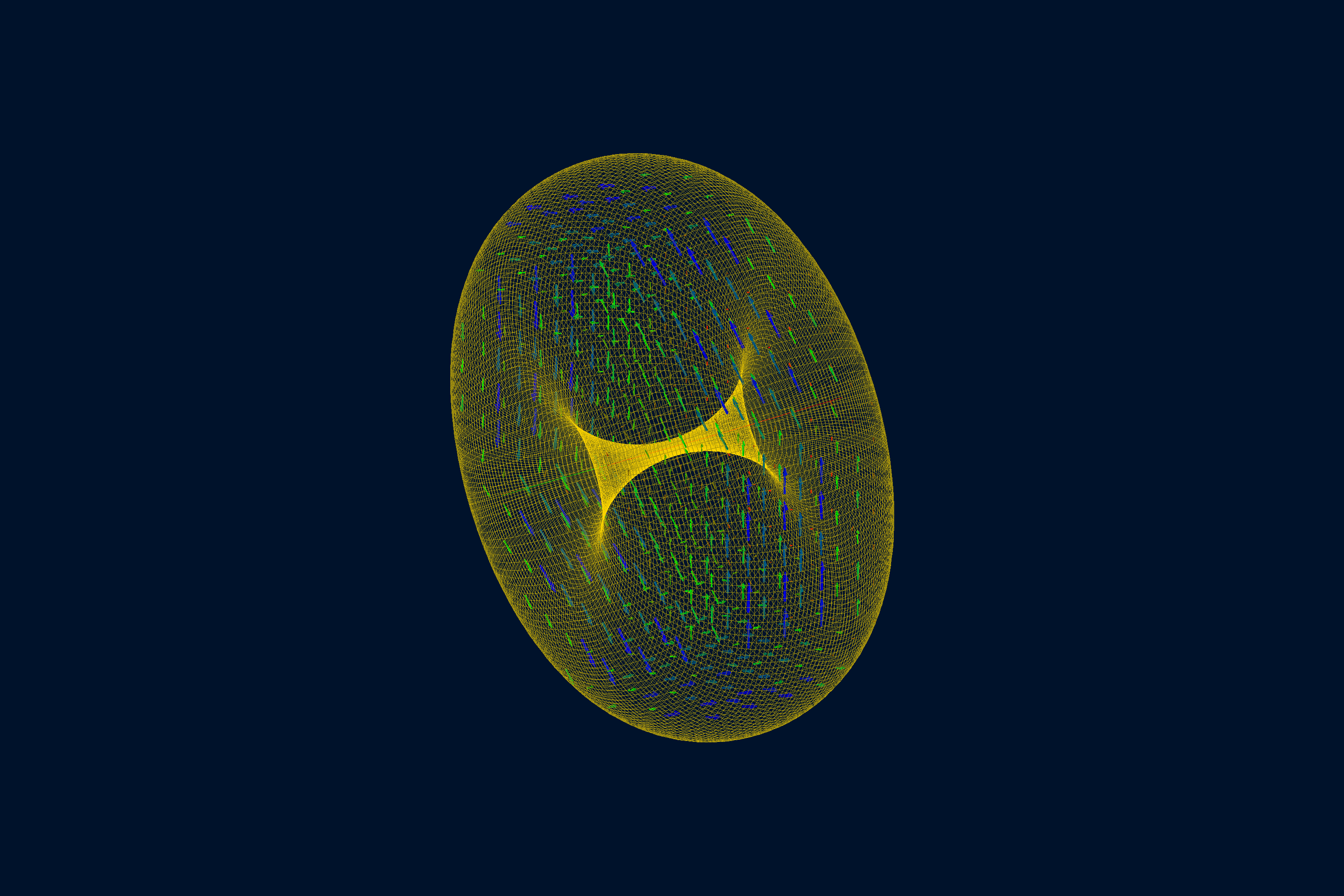
Usage
The file torus.yaml sets n: 0, so no /run/beamOn is needed for this display scene. Add
-fieldAt to inspect the configured field at a point:
gemc torus.yaml -fieldAt="250*cm 0*cm 350*cm"