トーラス ASCII フィールドマップの例
このフィールドの例では、asciimap フィールドプラグインを通じて読み込まれた phi セグメント化 ASCII
フィールドマップを表示します。フィールド領域を認識しやすくするために、透明なトーラス形状のボリュームを使用
しています。
クイックスタート
この例をカレントディレクトリにコピーし、ジオメトリデータベースを構築して、フィールド表示を開きます:
cp -r $GEMC_HOME/examples/fields/torus .
cd torus
./torus.py
gemc torus.yaml -gui
ジオメトリ
ジオメトリは torus.py で定義されています。ワールドボリューム root には 1 つの透明なトーラス
torus_field_volume が含まれ、その mfield プロパティが torus に設定されています。
フィールド定義
YAML ファイルは torus_map.txt を phi セグメント化 ASCII マップとして読み込みます:
gfields:
  - name: torus
    type: asciimap
    symmetry: phi-segmented
    map: torus_map.txt
    field_unit: kilogauss
    interpolation: none
    integration_stepper: G4ClassicalRK4
    minimum_step: 1*mm
    coordinate1: "azimuthal,    4, 0*deg,  30*deg"
    coordinate2: "transverse,   6, 0*cm,   500*cm"
    coordinate3: "longitudinal, 6, 100*cm, 600*cm"
マップの最初の 3 つの列は azimuthal、transverse、longitudinal です。続く 3 つの 列は kilogauss 単位の Bx、By、Bz です。
フィールド表示
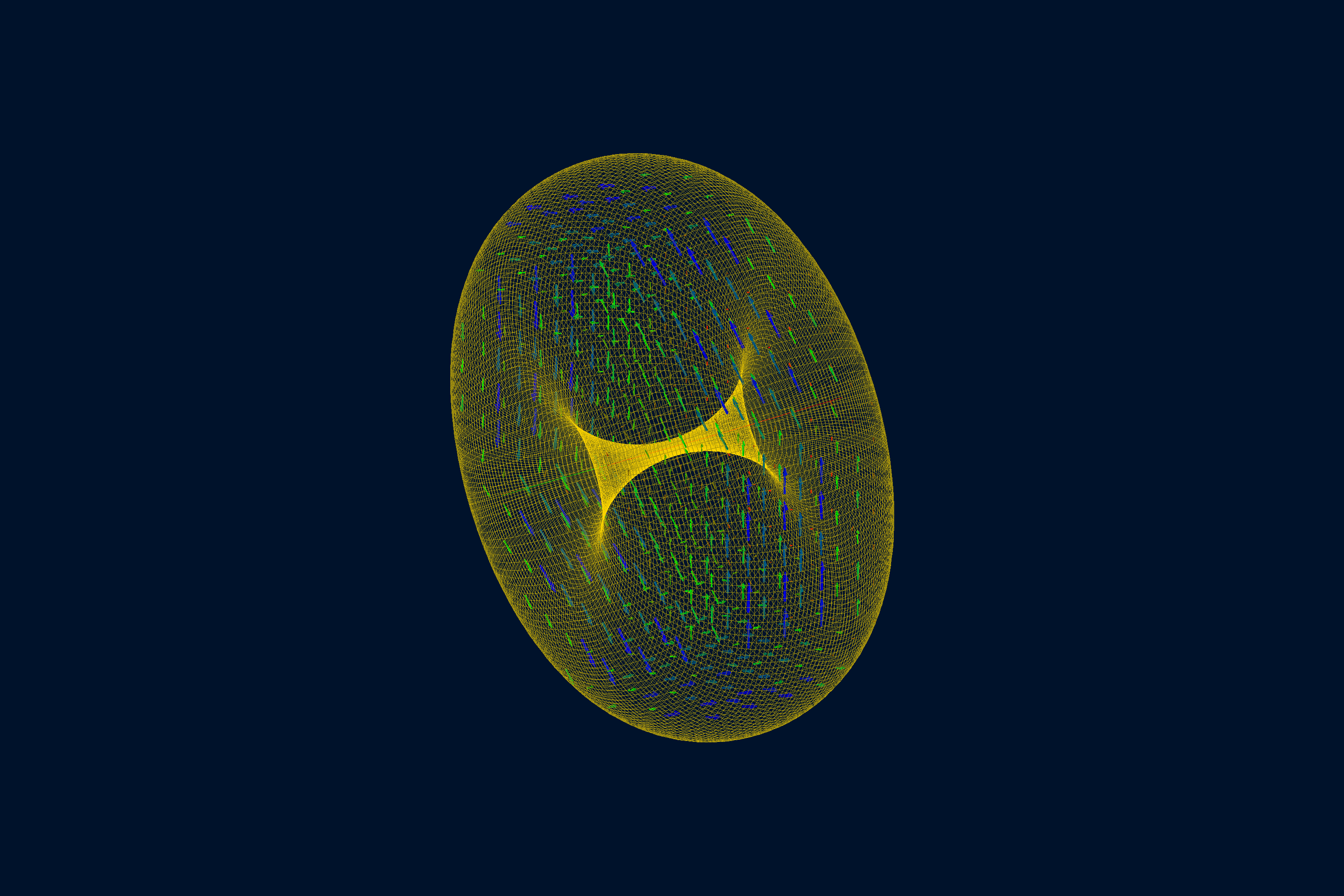
使い方
ファイル torus.yaml は n: 0 を設定しているため、この表示シーンには /run/beamOn は不要です。
ある点で設定されたフィールドを確認するには -fieldAt を追加します:
gemc torus.yaml -fieldAt="250*cm 0*cm 350*cm"