Torus ASCII 场图示例
本场示例展示了一张通过 asciimap 场插件加载的按 phi 分段的 ASCII 场图。它使用一个透明的环面(torus)形状体
来让场区域易于辨识。
快速开始
将示例复制到当前目录,构建几何数据库,然后打开场显示:
cp -r $GEMC_HOME/examples/fields/torus .
cd torus
./torus.py
gemc torus.yaml -gui
几何
几何定义在 torus.py 中。世界体 root 包含一个透明环面 torus_field_volume,其 mfield 属性设置为
torus。
场定义
该 YAML 文件将 torus_map.txt 加载为一张按 phi 分段的 ASCII 场图:
gfields:
  - name: torus
    type: asciimap
    symmetry: phi-segmented
    map: torus_map.txt
    field_unit: kilogauss
    interpolation: none
    integration_stepper: G4ClassicalRK4
    minimum_step: 1*mm
    coordinate1: "azimuthal,    4, 0*deg,  30*deg"
    coordinate2: "transverse,   6, 0*cm,   500*cm"
    coordinate3: "longitudinal, 6, 100*cm, 600*cm"
场图的前三列是 azimuthal、transverse 和 longitudinal。接下来的三列是以 kilogauss 为单位的 Bx、By 和 Bz。
场显示
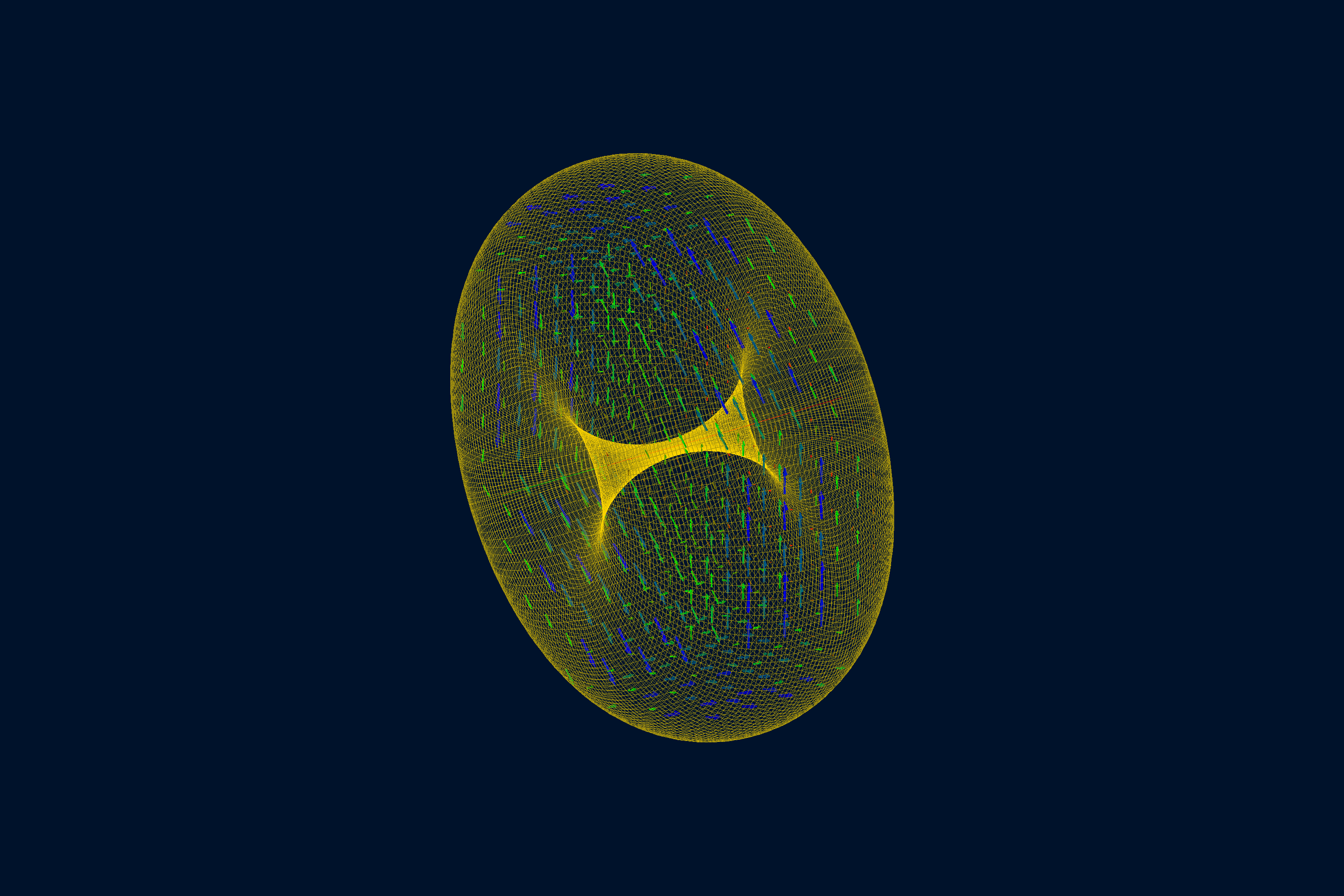
用法
文件 torus.yaml 设置了 n: 0,因此此显示场景无需 /run/beamOn。添加 -fieldAt 可在某一点检查所配置的
场:
gemc torus.yaml -fieldAt="250*cm 0*cm 350*cm"