This site documents GEMC version 3 and later. For CLAS12 simulations, use the GEMC2 clas12Tags repository.
Database-driven Geant4 simulations with a Python API
GEMC is a Python-friendly wrapper around Geant4 that eliminates the C++/Geant4 learning curve. Users build complete detector systems in Python: geometry, materials, and digitization. The API automatically populates the databases that GEMC uses to run the full simulation pipeline.
Highlights:
- Python API to create geometry and materials
- Geometry imports from ASCII, SQLite, GDML, and CAD mesh files
- Built-in sensitive detectors: flux, dosimeter, particle_counter, and gPhotonDetector
- Output formats: ASCII, CSV, JSON, and ROOT
- Built-in Python
analyzermodule for reading and plotting simulation output pyvistageometry visualization- Geometry variations and run-number-dependent configurations
- CI-tested builds and Docker deployment
Try GEMC
No installation needed. Click a badge to launch a live JupyterLab session in your browser:

|
Creates a system with a simple detector and a target |

|
Reproduces the Geant4 basic B1 example |

|
Reproduces the Geant4 basic B2 example |

|
Demonstrates Geant4 built-in materials, custom compositions, and optical properties |

|
48 trapezoidal scintillator paddles tiling a cylindrical barrel using distribute_on_circle |

|
Showcases the activation of the Cherenkov radiation in a GEMC detector |
Container image
For a local or HPC JupyterLab session, use the prebuilt multi-architecture image:
# Docker
docker run --rm -p 8888:8888 ghcr.io/gemc/binder-tutorials:latest

# Apptainer
apptainer pull gemc-binder-tutorials.sif docker://ghcr.io/gemc/binder-tutorials:latest
apptainer exec gemc-binder-tutorials.sif jupyter lab --ip=0.0.0.0 --no-browser
Interactive Gallery
b1
➡ b1 documentationb2
➡ b2 documentationMaterials
➡ Materials documentationScintillator Barrel
➡ Scintillator Barrel documentationSimple Flux
➡ Simple Flux documentationCherenkov
➡ Cherenkov documentationCLAS12/DC
➡ CLAS12/DC documentationCLAS12/EC
➡ CLAS12/EC documentationpygemc: the Python API
The GEMC Python API, pygemc, provides geometry and material database builders, pyvista geometry visualization,
gemc-system-template, and gemc-analyzer. The analyzer can read GEMC CSV and ROOT output and plot
histograms from selected variables.
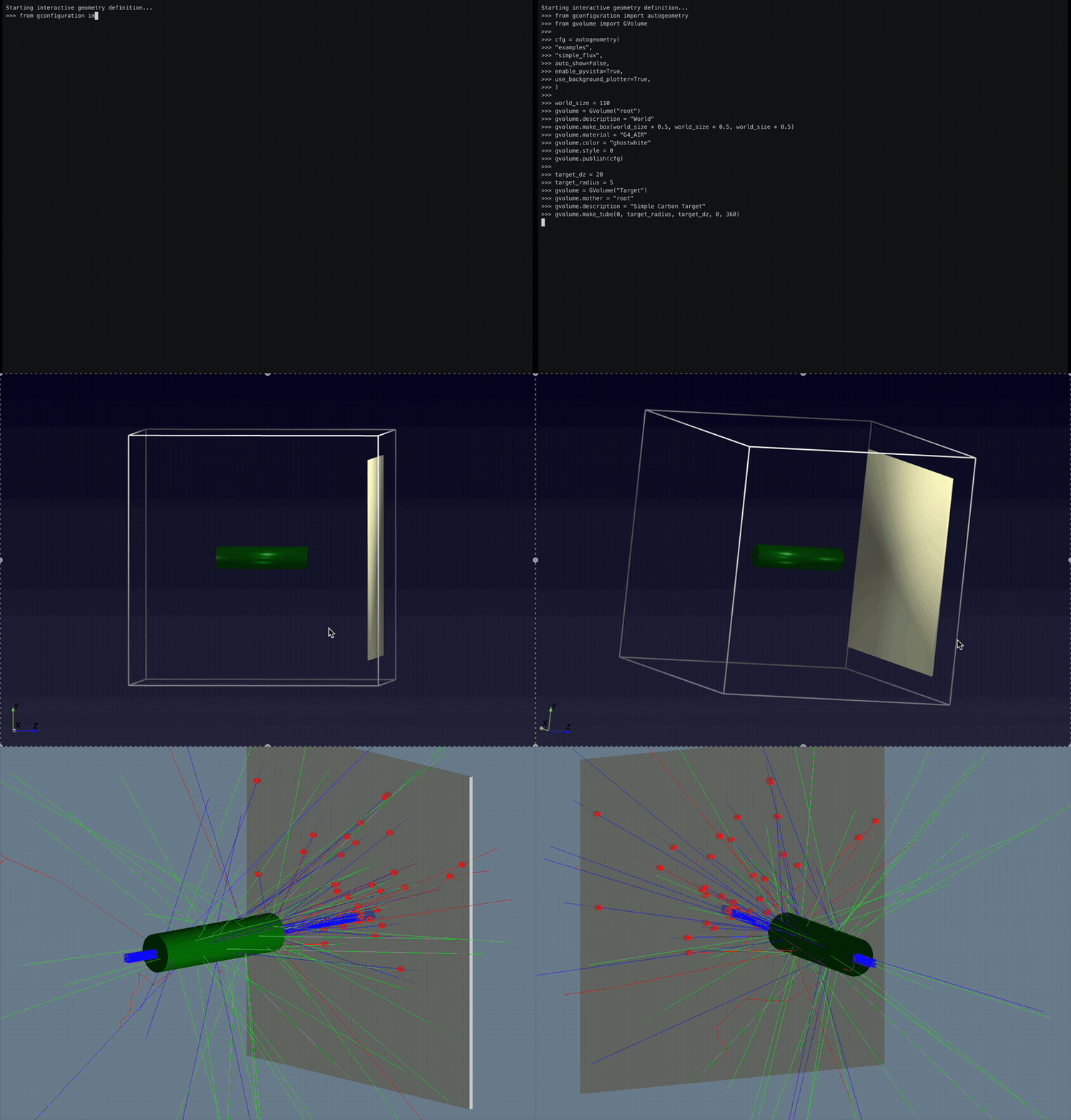
The `pyvista` option gives immediate geometry visualization.
In the GEMC simulation, hits are created from particles generated by a beam of protons impinging on the liquid hydrogen target.
The total deposited energy is plotted with the `analyzer` module.
The excerpt below defines the sensitive flux plane downstream of the target. GEMC records a flux hit each time a generated track crosses this volume.
# Place a thin scoring plane downstream of the target.
flux_z = 50
flux_dx = 1
flux_dim = world_size * 0.8

# Define the plane as an air box inside the world volume.
gvolume = GVolume("FluxPlane")
gvolume.mother = "root"
gvolume.description = "Flux Scoring Plane"
gvolume.make_box(flux_dim * 0.5, flux_dim * 0.5, flux_dx * 0.5)
gvolume.material = "G4_AIR"
gvolume.color = "FAFAD2"
gvolume.set_position(0, 0, flux_z)

# Turn the volume into a GEMC flux detector and tag its output column.
gvolume.digitization = "flux"
gvolume.set_identifier("flux_plane", 1)
gvolume.publish(cfg)
Databases
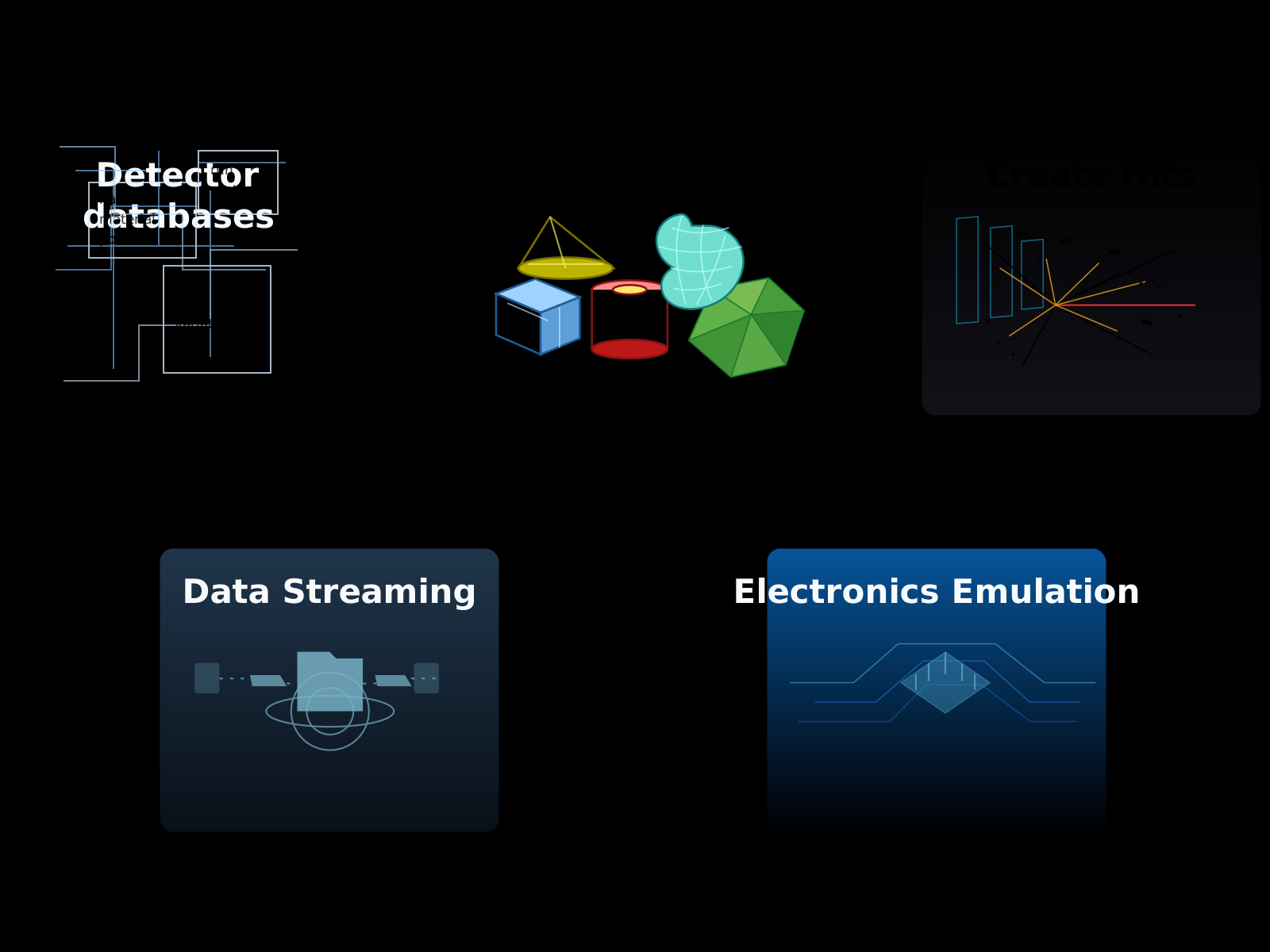
Detector definitions are stored in databases. A typical workflow has one user-authored step:
Note
Running simulations does not require previous knowledge of C++ or Geant4. Basic Python knowledge helps organize complex setups. Users can also define their own hardware emulation routines. In this case, basic C++ knowledge helps for complex digitizations.
Geometry Variations
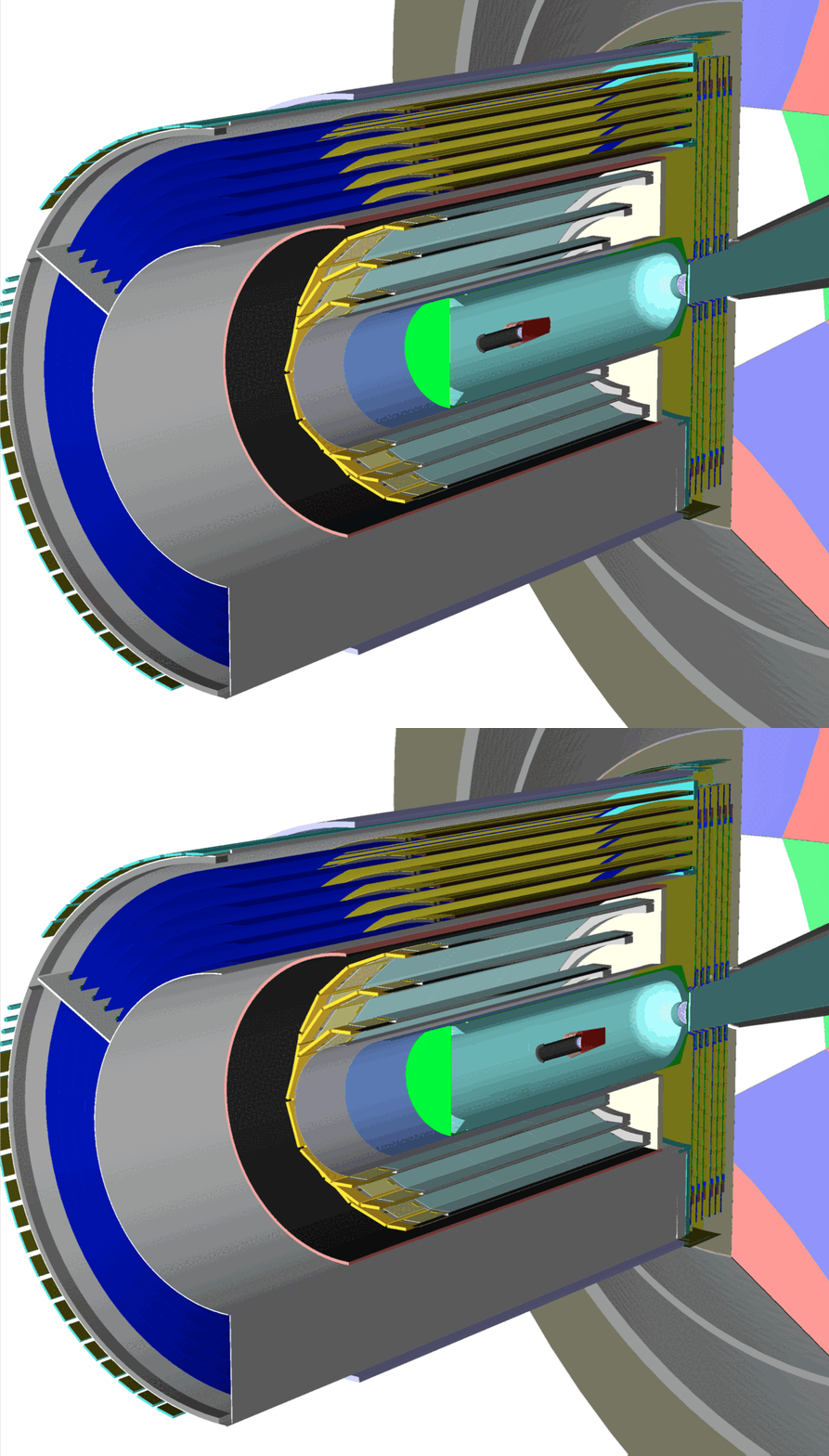
A detector can be reused across experiments, with configuration changes such as component shifts, material changes, or volume additions and removals. GEMC supports these geometry versions using variation strings and/or run numbers to adapt to different simulation setups.
Latest News
Roadmap to GEMC 0.4
New features, improvements, and issue resolutions planned for the next release.
GEMC 0.3
GEMC is now developed along the standalone pygemc Python package, the engine containing the Python API and analysis tools.
pygemc 0.2.0 is on PyPI
pygemc is now available as a standalone package on PyPI.
Continuous Integration
GEMC is built, tested, and deployed as Docker images by GitHub CI on several platforms and on both ARM64 and AMD64 architectures.
gemc
| Tests |  |
| Sanitizer |  |
| Image Deploy |  |
| Binary Tarballs |  |
| CodeQL |  |
| Doxygen |  |
| Nightly Release |  |
| Homepage |  |
pygemc
| Nightly Dev Release |  |
| Publish to PyPI |  |
| Tests |  |
| PyPI |  |
Reference
Please make sure to cite the following paper if you use GEMC:
| M. Ungaro, Geant4 Monte-Carlo (GEMC) A database-driven simulation program, *EPJ Web of Conferences* 295, 05005 ( 2024) |
BibTeX:
@INPROCEEDINGS{2024EPJWC.29505005U,
author = { {Ungaro}, Maurizio,
 title = "{Geant4 Monte-Carlo (GEMC) A database-driven simulation program}",
 booktitle = {European Physical Journal Web of Conferences},
 year = 2024,
 series = {European Physical Journal Web of Conferences},
 volume = {295},
 month = may,
 eid = {05005},
 pages = {05005},
 doi = {10.1051/epjconf/202429505005},
 adsurl = {https://ui.adsabs.harvard.edu/abs/2024EPJWC.29505005U},
 adsnote = {Provided by the SAO/NASA Astrophysics Data System} }
}
Bibitem:
\bibitem{2024EPJWC.29505005U}
{Ungaro}, M.: Geant4 Monte-Carlo (GEMC) A database-driven simulation program.
\newblock European Physical Journal Web of Conferences \textbf{295}, 05005 (2024).
\newblock \doi{10.1051/epjconf/202429505005}
Source Code and License
The GEMC source code is distributed under an open source license.