Cherenkov
Cherenkov radiation appears when a charged particle moves through a material faster than light propagates through that material. In GEMC, this requires three pieces:
- a material with an optical RINDEX table;
- a physics list that includes
G4OpticalPhysics; - a detector response, usually
gPhotonDetector, to record optical photons.
Material setup
The material must define photonEnergy and indexOfRefraction with the same number of entries:
radiator = GMaterial("radiatorGas")
radiator.photonEnergy = "2.0*eV 3.0*eV 4.0*eV 5.0*eV"
radiator.indexOfRefraction = "1.0010 1.0011 1.0012 1.0013"
radiator.absorptionLength = "100*m 100*m 100*m 100*m"
radiator.publish(cfg)
The photonEnergy values are the interpolation axis for every optical table. Keep them strictly
increasing and use the same number of values in every table attached to the material.
Physics list
Optical photons are produced only when the physics list includes G4OpticalPhysics:
phys_list: FTFP_BERT + G4OpticalPhysics
phys_list
The physics list can be selected using the option
gemc -phys_list <value>where
<value>can be a combination of the Geant4 physics constructors separated by the+sign. For examplegemc -phys_list="FTFP_BERT + G4NeutronCrossSectionXS"To see a list of the available Geant4 constructors:
gemc -showPhysics
Photon detectors
Use gPhotonDetector on collection panels when the goal is to count optical photons rather than
energy deposition:
panel.digitization = "gPhotonDetector"
panel.set_identifier("detector", 1)
gPhotonDetector records optical photons even when their energy deposition is zero, so
recordZeroEdep is not required for this workflow.
Example
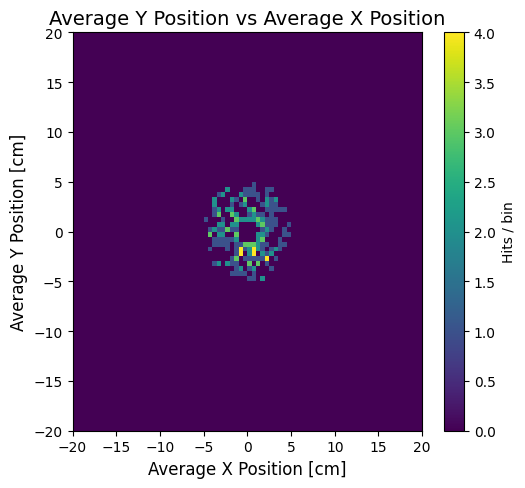
The Cherenkov example compares three radiator indices. A larger index of refraction produces a wider cone and a different hit pattern on the photon detector.
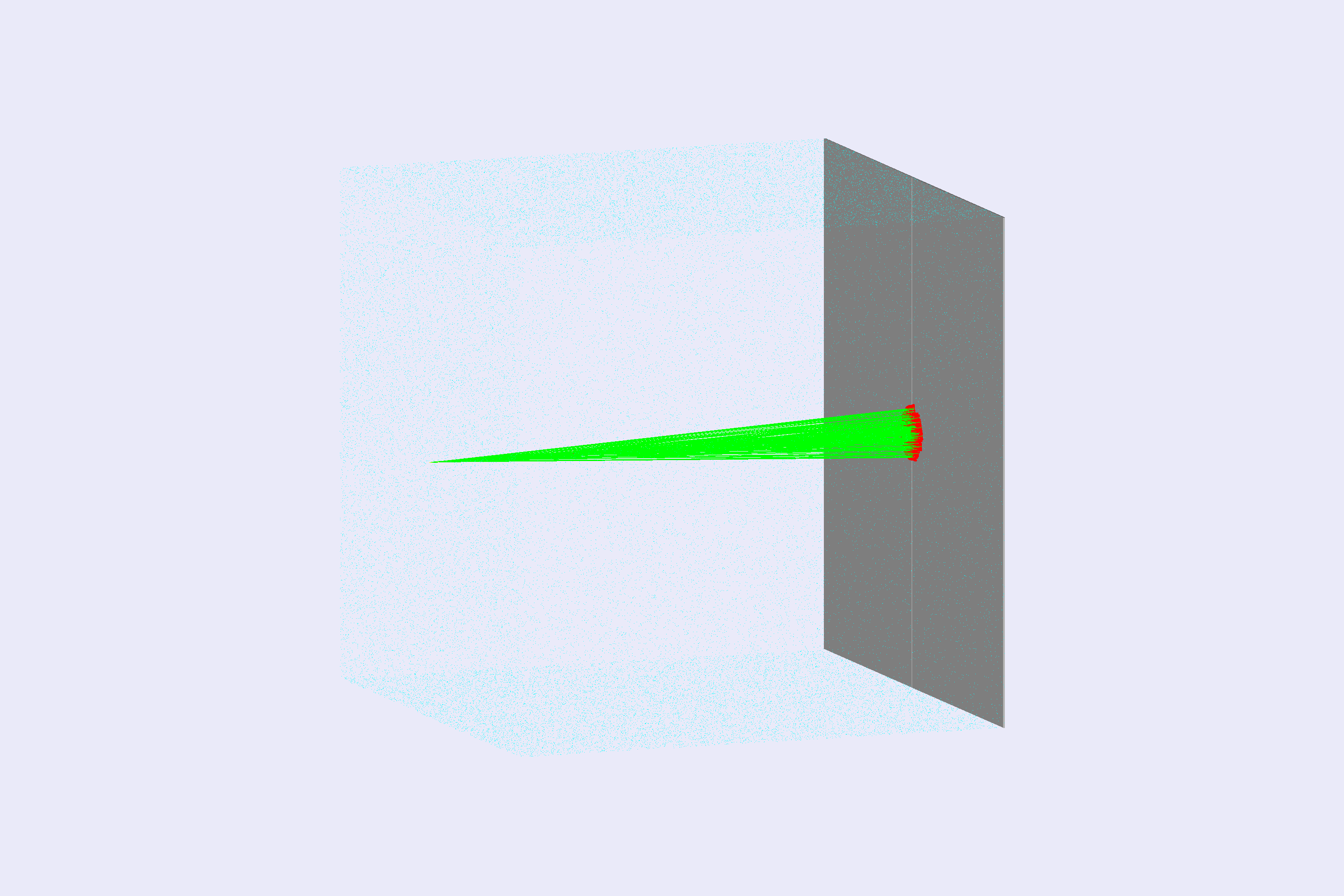
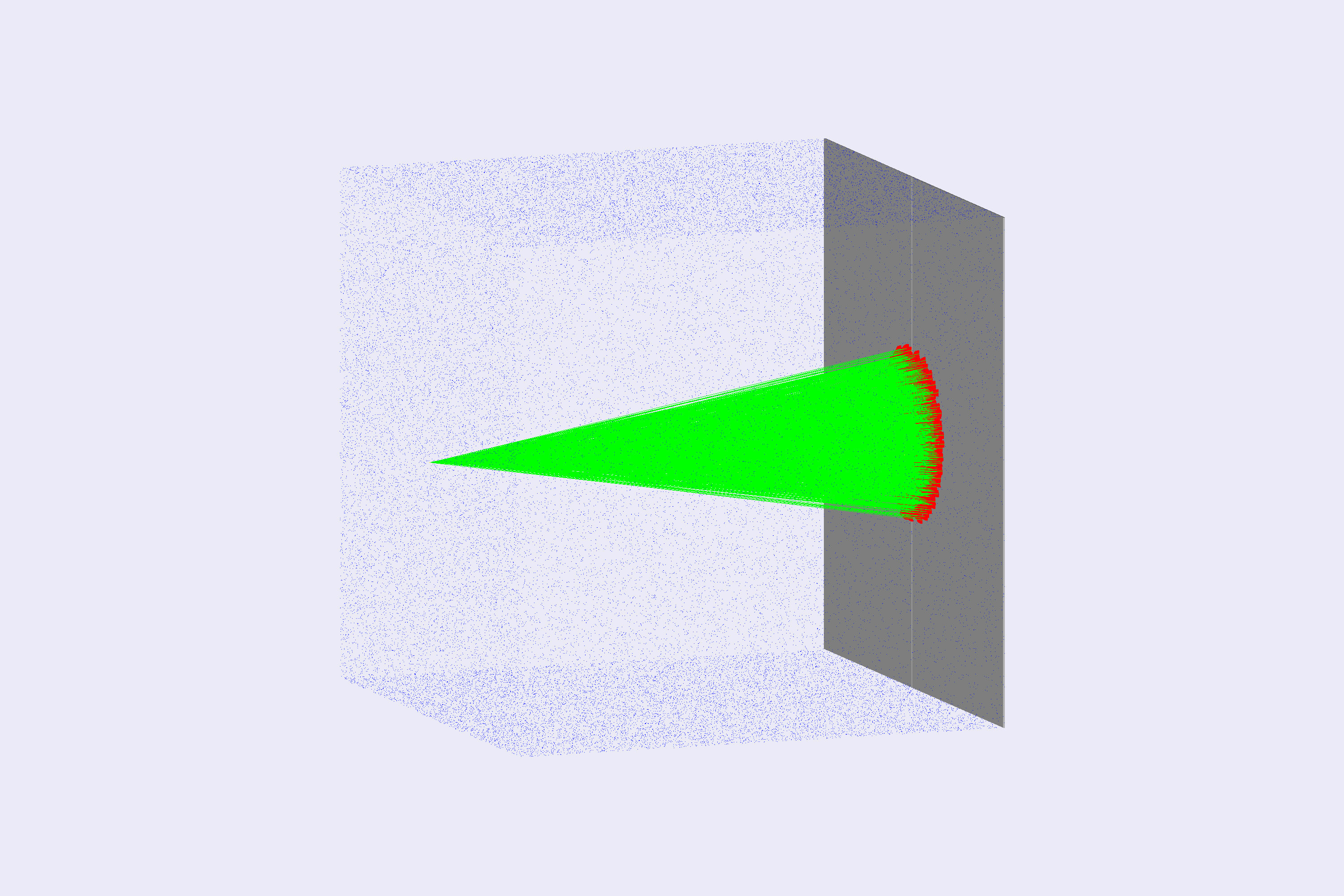
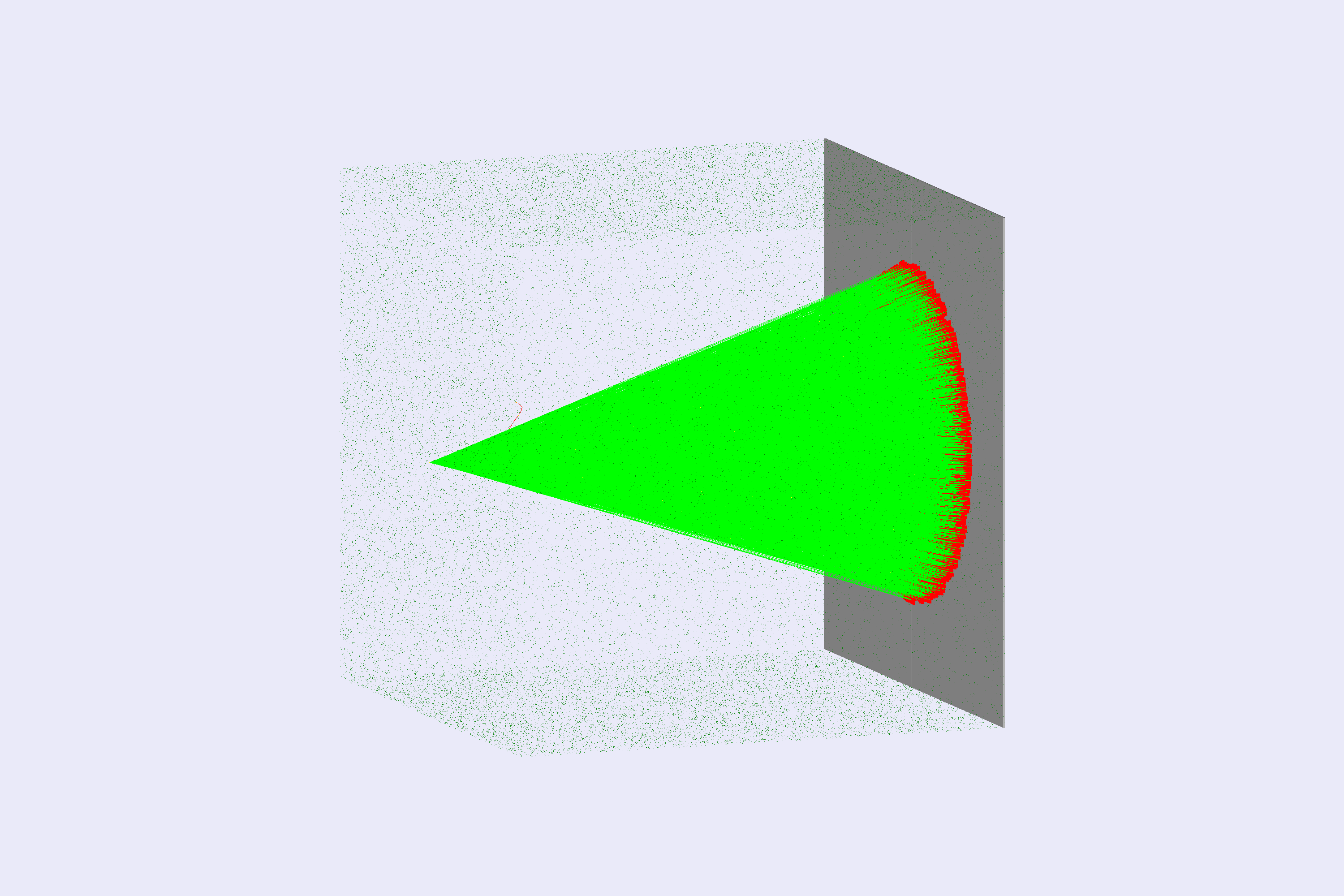
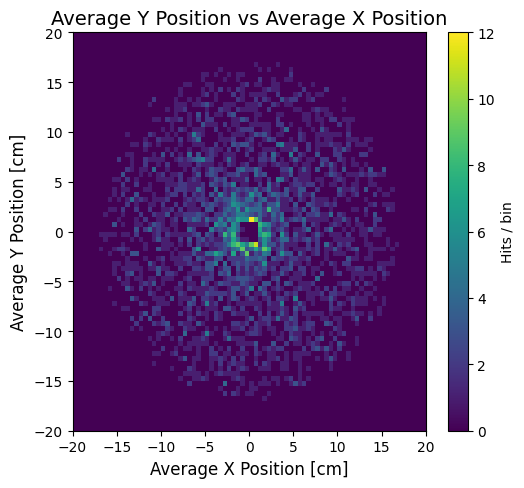
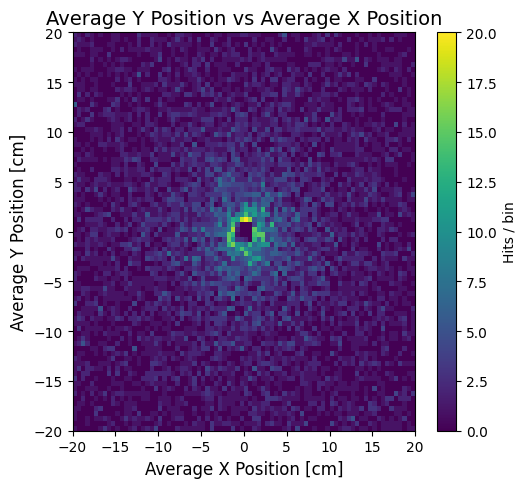
Left: lowIndexRadiator, center: mediumIndexRadiator, right: highIndexRadiator.