CLAS12 High-Threshold Cherenkov Counter Example
This example shows the CLAS12 High-Threshold Cherenkov Counter (HTCC) geometry from clas12-systems. It
combines native GEMC mirror optics with CAD meshes loaded through the gcad feature. Both systems are stored
in one SQLite database.
The HTCC geometry and digitization are available in clas12-systems 0.3 with GEMC 0.5 and pygemc 0.5.0.
Quickstart
From the clas12-systems repository, build the geometry database and run a short simulation:
cd $GEMC_HOME/../clas12-systems/geometry_src/htcc
./htcc.py
gemc htcc.yaml -n=1
Geometry
The geometry, shown below, is defined in geometry_src/htcc/geometry.py and orchestrated by
geometry_src/htcc/htcc.py. The native builders port the original clas12Tags perl scripts (gas volume,
windows, 48 elliptical mirrors, and 48 photomultiplier tubes), while the three beamline cones are imported as
CAD meshes. The native rows use the htcc SQLite system and the mesh rows use the separate htcc_cad CAD
system. Both share the same database, variation, and run, so one gemc.db loads the complete detector.
The world (a box named root) contains:
- the htcc gas volume built from polycone booleans, plus the htccEntryWindow and htccExitWindow
- 48 elliptical mirror segments carved from a polycone barrel and recorded with the htcc_AlMgF2 optical surface
- photomultiplier tubes named pmt_<ring>sector<sector><half>, read out in two half-sectors per sector
- Winston-cone paraboloid shells sharing the htcc_AlMgF2 mirror skin
- CAD beamline cones (htccCone, htccMollerCone, htccMollerConeExt) placed under root
Interactive viewer:
Physics List
The HTCC is a Cherenkov detector, so optical photons must be produced and tracked. The YAML file selects
FTFP_BERT + G4OpticalPhysics with phys_list: FTFP_BERT + G4OpticalPhysics.
phys_list
The physics list can be selected using the option
gemc -phys_list <value>where
<value>can be a combination of the Geant4 physics constructors separated by the+sign. For examplegemc -phys_list="FTFP_BERT + G4NeutronCrossSectionXS"To see a list of the available Geant4 constructors:
gemc -showPhysics
Generator
The particle kinematics are defined in the YAML file:
gparticle:
  - name: e-
    p: 5000*MeV
    delta_p: 1*GeV
    theta: 25*deg
    delta_theta: 15*deg
    randomThetaModel: cosine
    phi: 60*deg
    delta_phi: 180*deg
See also the Internal Generator Documentation for more information.
Digitization
The photomultiplier tubes use the CLAS12-specific htcc digitization plugin. The identifiers record the sector, the mirror ring, and the half-sector the tube reads out:
pmt.digitization = "htcc"
pmt.set_identifier("sector", sector, "ring", ring, "half", hindex)
Usage
Building the detector
Use geometry_src/htcc/htcc.py to build the detector. The script defines the materials and mirror surfaces,
publishes the native htcc volumes, and publishes the three beamline cones as CAD meshes for the
htcc_cad system. By default, both systems are stored in a SQLite file named gemc.db.
See also the Building Geometry for more information.
Running GEMC
The file htcc.yaml can be used to run the setup. Add -gui to run interactively:
gemc htcc.yaml -gui
Modify htcc.yaml as needed, in particular to add particles, control the number of threads, or change the
output.
Running Events
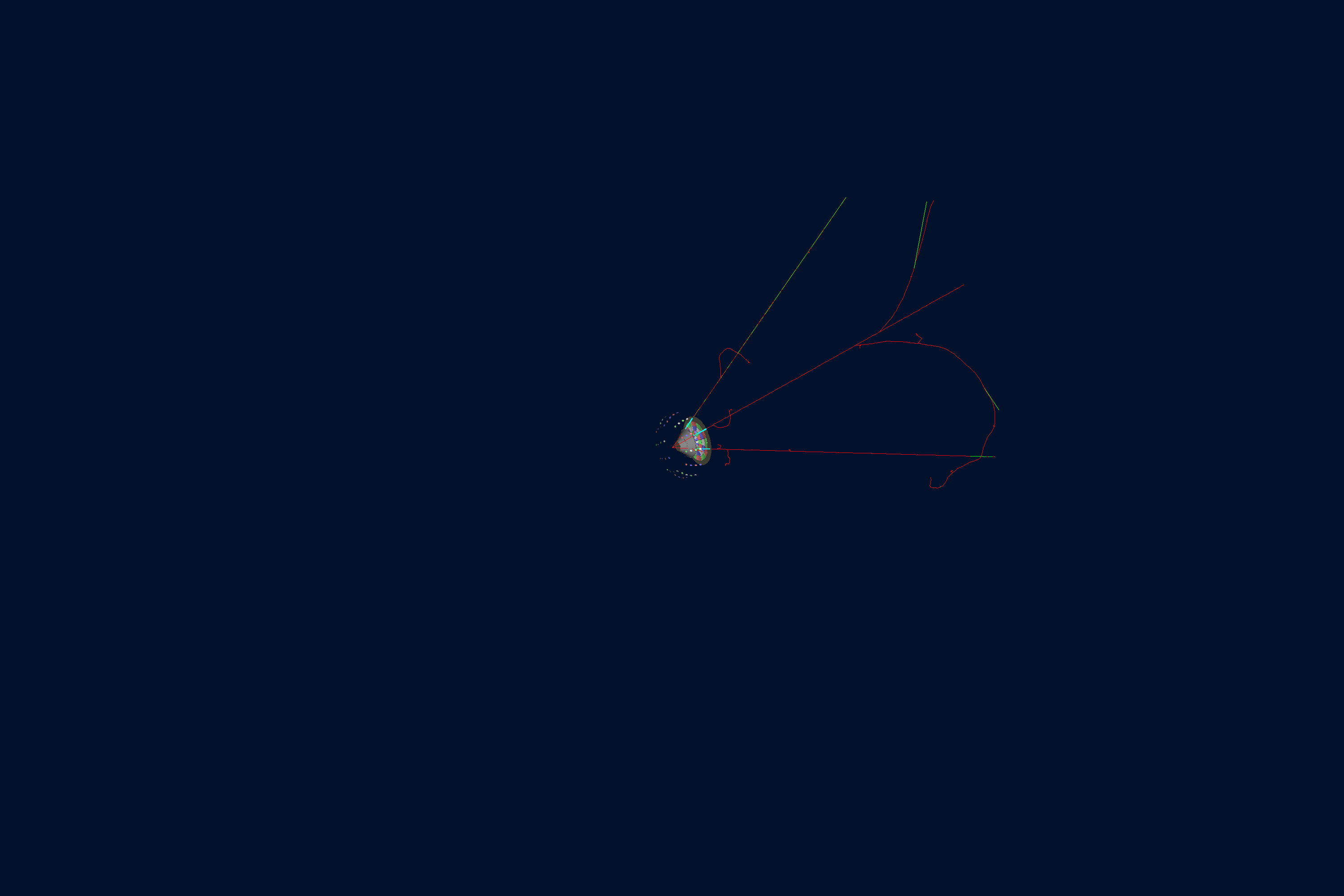
Output
The gstreamer option selects the output filenames and formats:
gstreamer:
  - format: csv
    filename: htcc
  - format: hipo
    filename: htcc
See also the Output Documentation for more information.
Plotting with the GEMC Analyzer
Run GEMC with 2,000 events first. The default YAML file writes the analyzer CSV streams.
gemc htcc.yaml -n=2000 -no_field=all -plugin_path=/opt/projects/gemc/clas12-systems/build
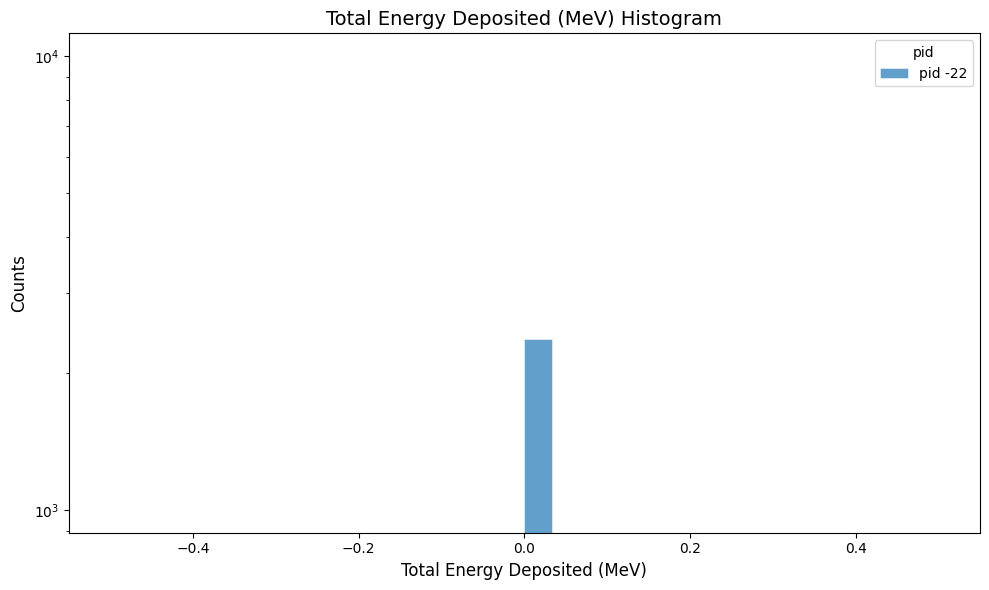
Plot the total energy deposited per hit:
gemc-analyzer htcc_t0_true_info.csv totalEDeposited --kind csv --data true_info
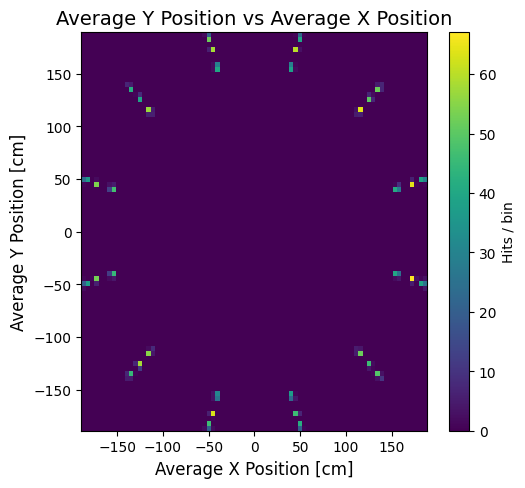
Plot the y vs x hit positions:
gemc-analyzer htcc_t0_true_info.csv --kind csv --data true_info --plot yvsx --bins 80